
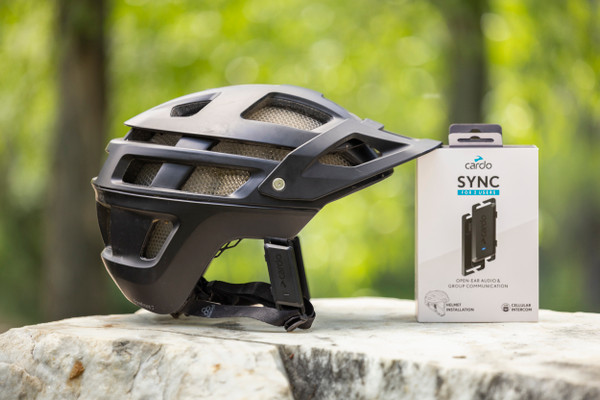
Cardo Sync Review: The Cycling Intercom That Finally Gets Out of the Way
Posted by Derek Newman on 15th Sep 2026



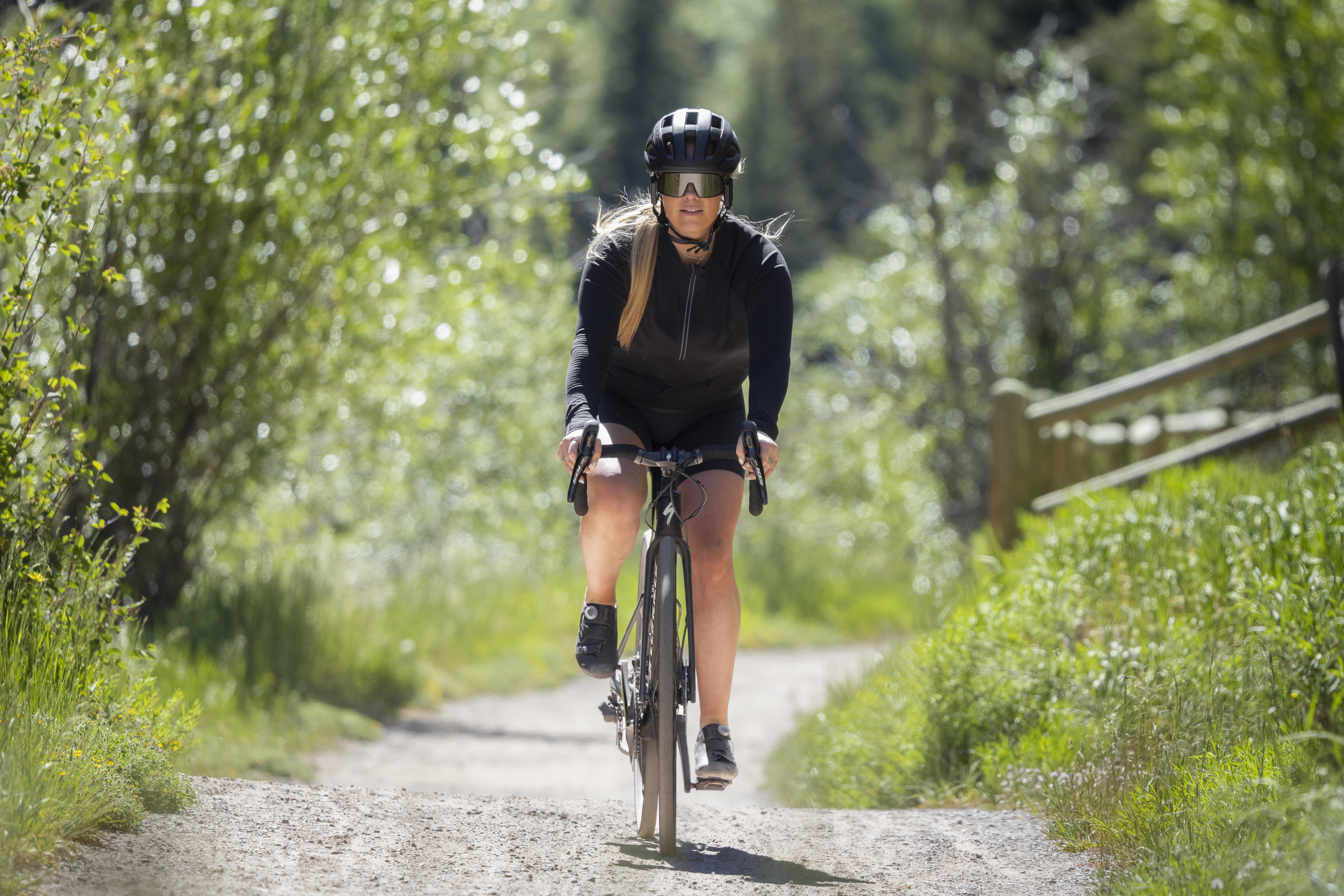
Group rides fall apart in the same small ways every time. Someone drifts back to fix a dropped chain, a call to slow down gets lost in the wind, and the pack strings out on a climb until nobody quite knows where anyone else is. We put the Cardo Sync through two months of exactly that kind of riding, weekday laps up Emigration and Millcreek, longer gravel days out past the reservoir where cell coverage runs thin, solo miles and full group days alike. It held up every time. Clipped to a helmet strap, the unit did its job quietly, keeping the group connected without turning every ride into a tech project.
Quick Answer
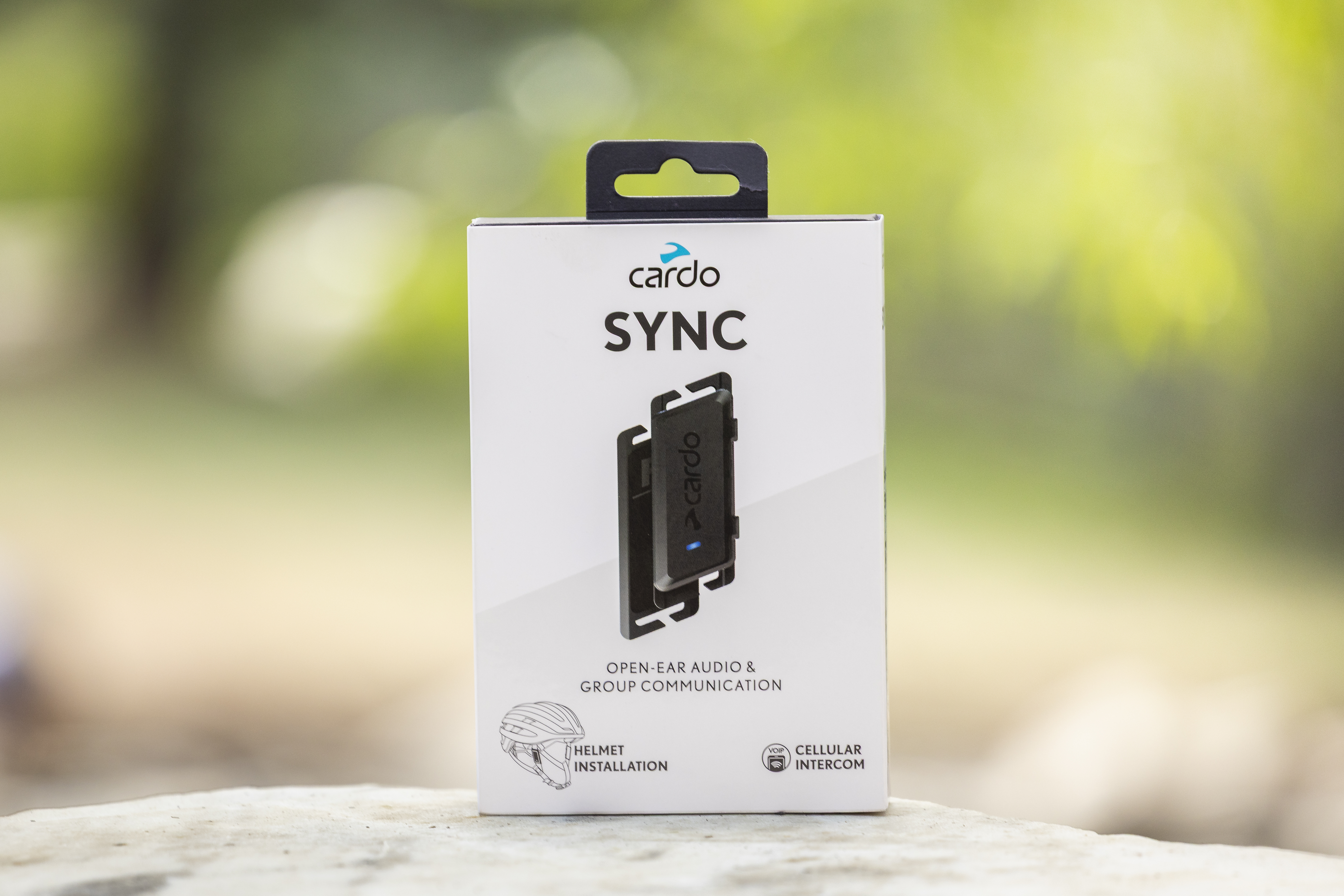
The Cardo Sync is a lightweight, open-ear cycling intercom that clips onto most open-face helmet straps and connects up to 30 riders through the free Cardo Connect app. It weighs about two thirds of an ounce per side, runs up to 11 hours on a charge, and delivers clear group communication, music, and phone calls anywhere you have a cellular signal, all without blocking your ears to traffic and trail noise around you.
Going beyond group communication, the Cardo Sync also assists with solo rides by providing high-quality sounding music. And since it's open-ear, the Sync helps you stay aware of your surroundings. If you ride by a group running up the trail screaming bear, you'll be able to hear them instead of bobbing your head to Bear Necessities.
Living With Cardo Sync on Every Ride
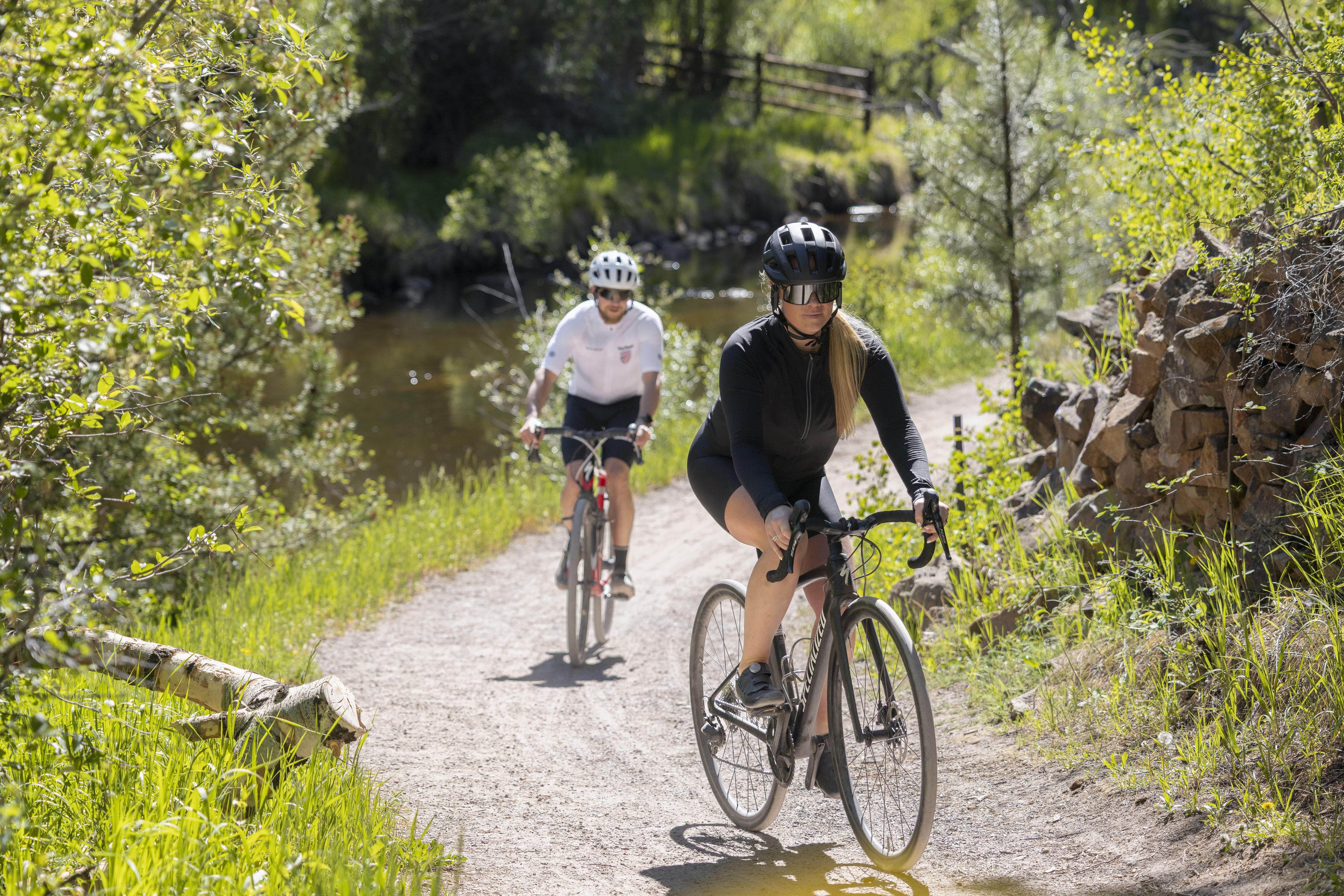
What stands out most about the Sync is how little it asks once it is set up. There is no fumbling with a row of tiny buttons through a glove or trying to remember which combination toggles which feature mid-ride. We can adjust volume or answer a call without taking eyes off the road, and the Auto On/Off feature means the unit wakes up the moment movement starts and powers down on its own once the ride stops, so there is no dead battery from forgetting to switch it off. Everything else, from building a group to switching audio sources, happens through the Cardo Connect app before the helmet even goes on, which keeps the actual riding simple.
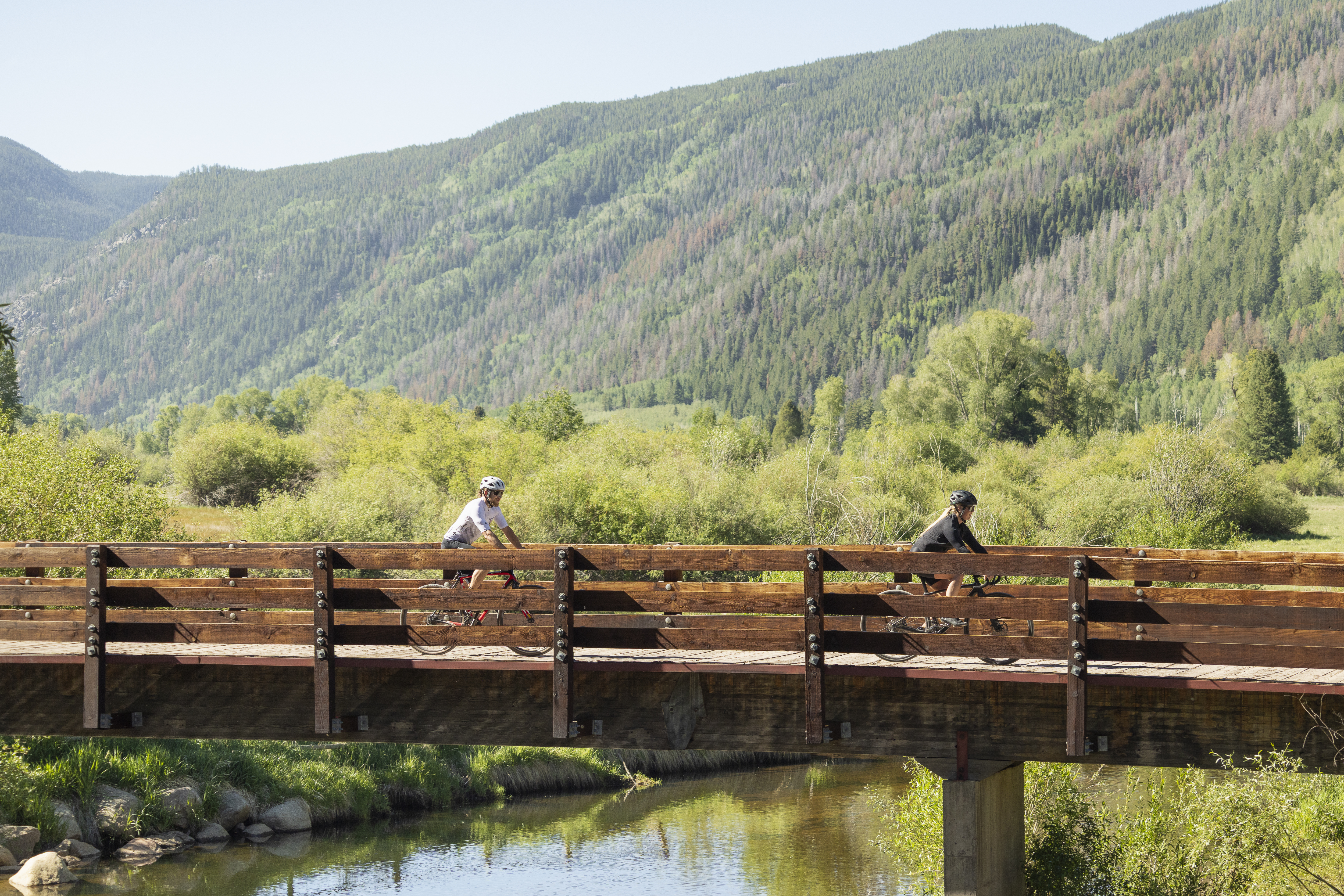
The group intercom side of things is where the app earns its keep. We built a group with our regular riding partners in about a minute, and once it is set, reconnecting on the next ride is automatic as long as everyone has the app open and Sync powered on. We have tested it with a pair of riders and with a full group of six, and conversations stayed clear in every case. Sound quality for music and calls is genuinely good too, noticeably better than typical open-ear buds, with enough bass and clarity that podcasts and playlists hold up even at highway speeds on the road bike.
So Light You Forget It Is There
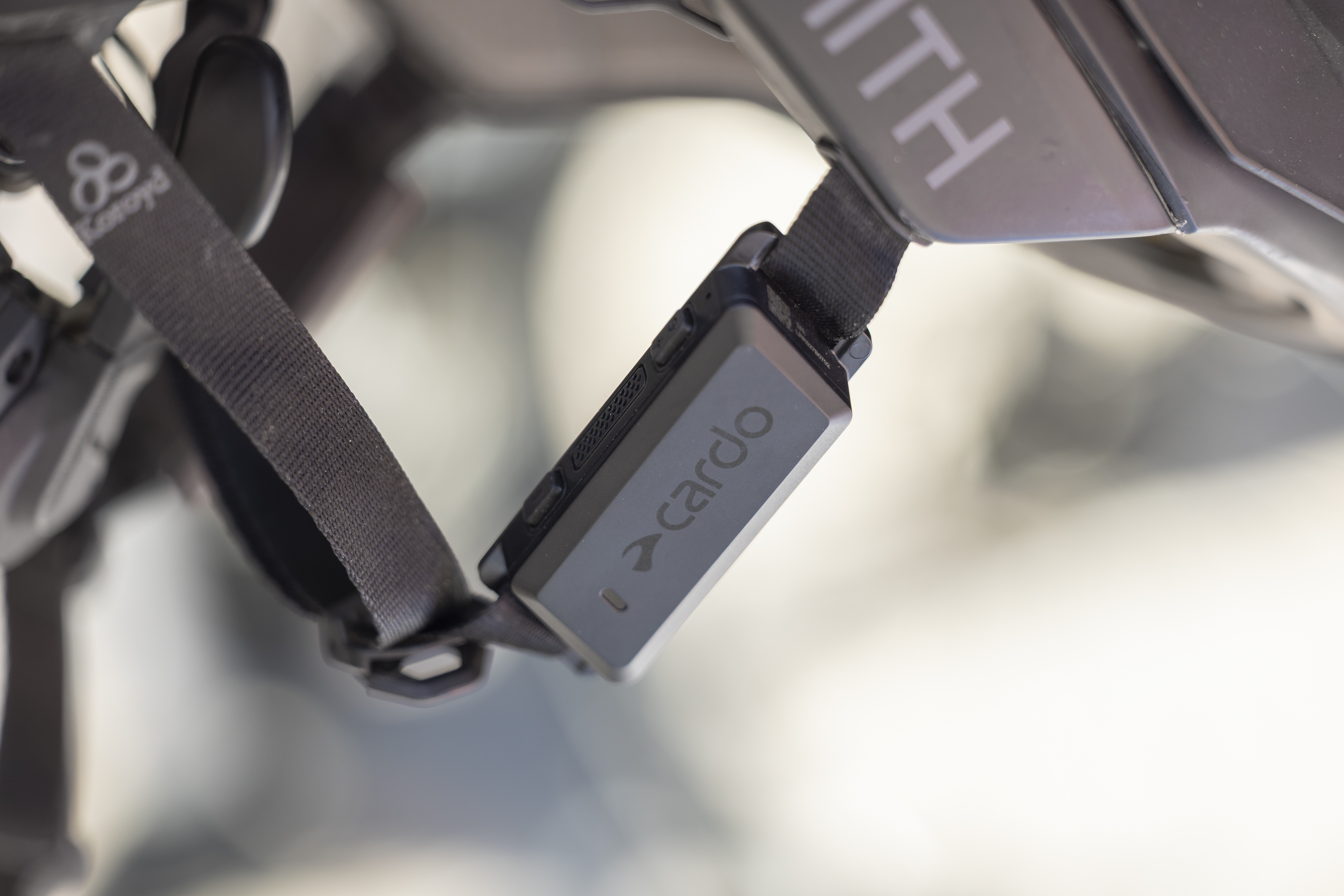
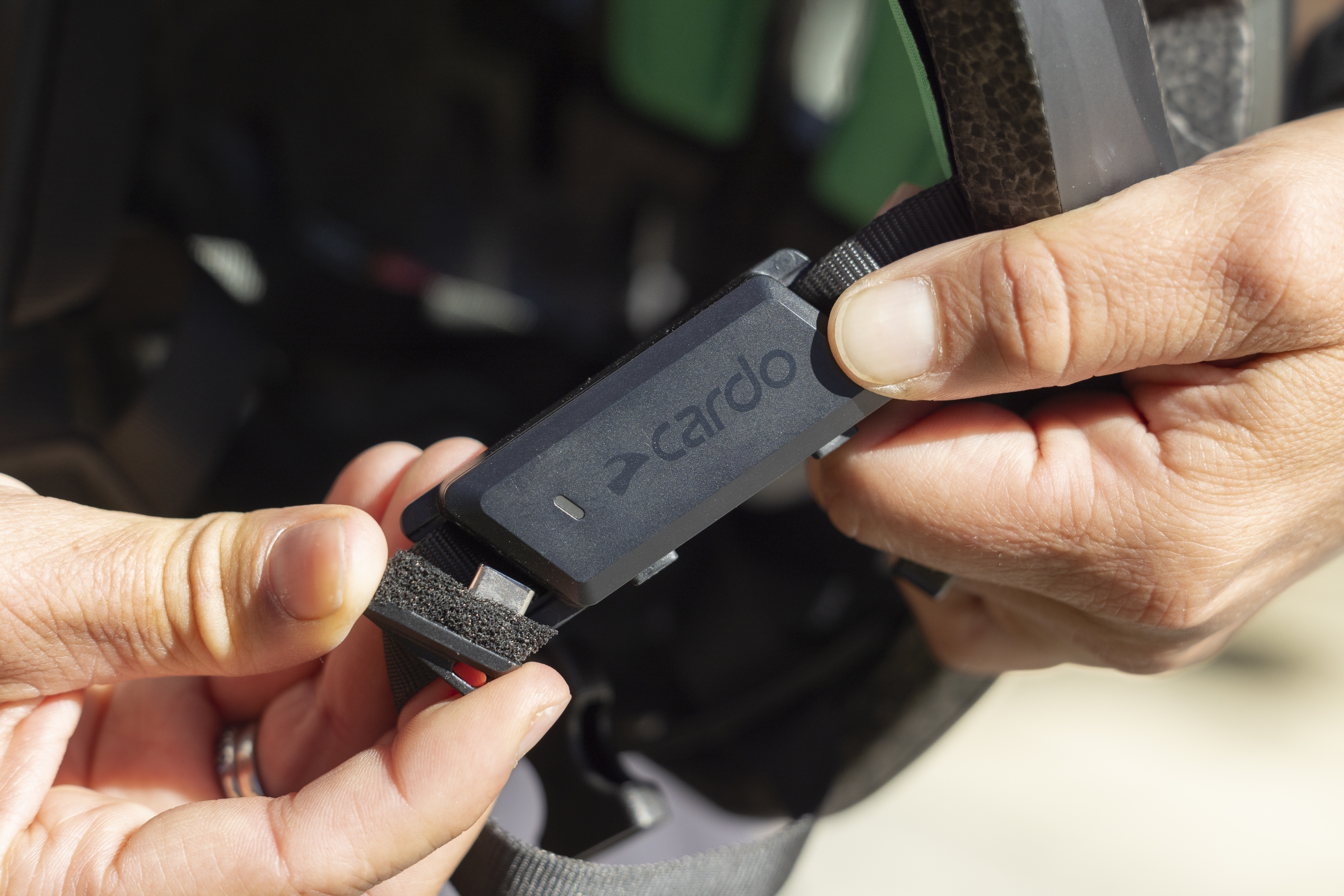
At roughly nineteen grams per side, about two thirds of an ounce, the Sync is among the lightest comm units we have strapped to a helmet. It clips directly onto the helmet strap rather than sitting inside or over the ear, so there is no pressure point building up over a three hour ride and no bulk pressing against sunglasses arms. Wide-frame sunglasses that usually fight with bulkier earbud-style units had no trouble here, the Sync simply does not interfere. The open-ear design is the other half of that comfort equation. Nothing sits inside the ear canal, so we could still hear tires on gravel, cars approaching from behind, and a riding partner without needing to pull anything out or turn anything down. A few rides in, we genuinely forgot it was clipped to the strap until a call came through, which is about the highest compliment a piece of gear built to stay out of the way can earn.
The unit is also water resistant with an IP54 rating, which mattered more than expected. An afternoon storm out past the canyon mouth put that to the test, and the Sync kept working through the downpour and the ride home without missing a beat.
Reliable Even Where Cell Service Gets Thin
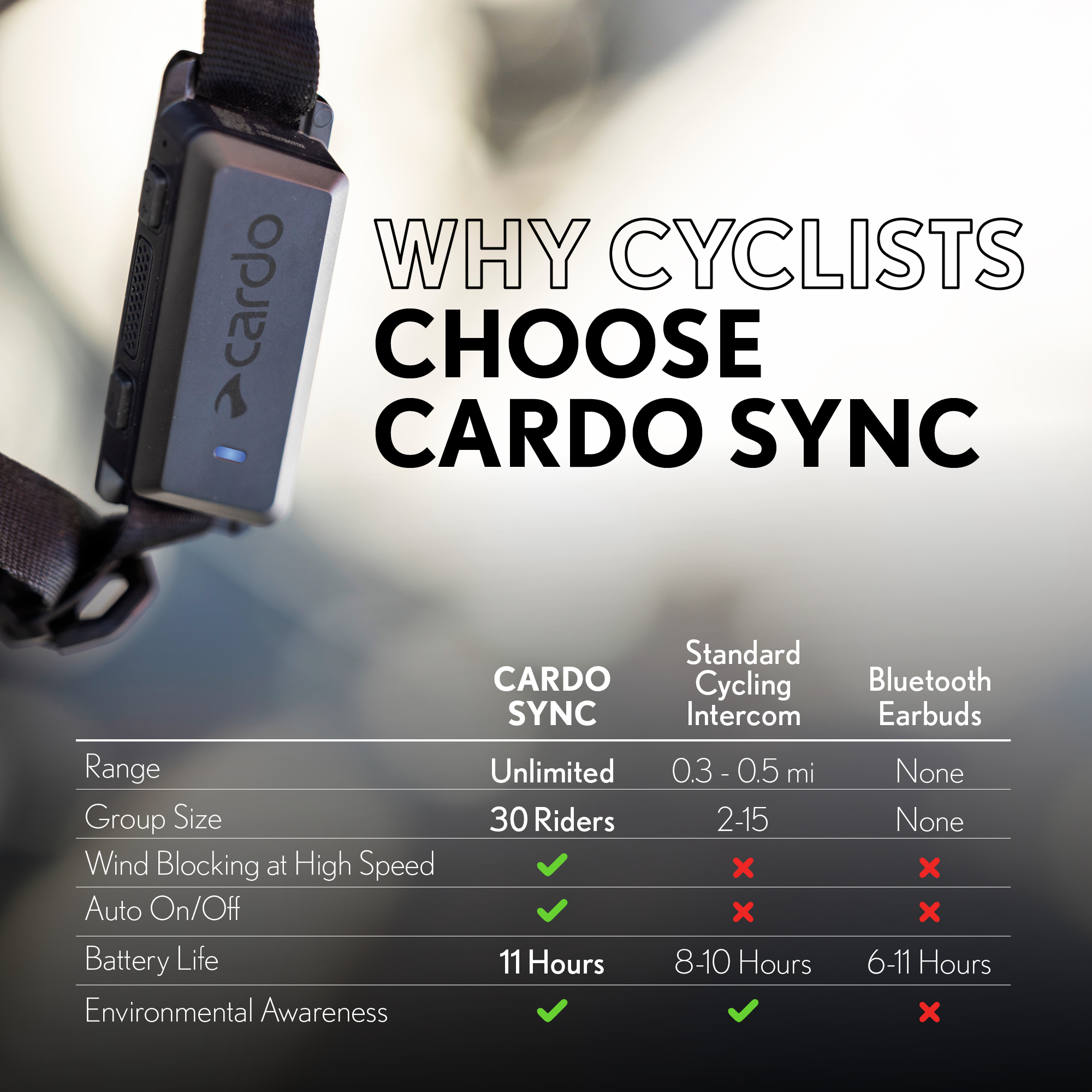
Cardo Sync runs on Cellular Intercom, which is VoIP based rather than a short-range Bluetooth connection, so the honest way to put it is that range is only as good as the cellular coverage along the route. That said, in practice this has been a strength rather than a weakness. Traditional Bluetooth intercoms we have used before tend to break up the moment a rider falls more than a few hundred yards behind on a climb. With Sync, as long as everyone has even a bar or two of signal, which covers the vast majority of the canyon roads and gravel routes we ride around here, the connection holds even when riders are spread out well beyond line of sight. That is the real advantage of a data-based system over a traditional short-range one, distance stops being the limiting factor.
The one place to stay mindful of is true backcountry riding with no cell coverage at all, where the intercom function will not work since it depends on a network connection. For the kind of riding most people are doing on open-face road and gravel setups, though, coverage has never been the bottleneck we expected, and battery life has held up its end too. An 11 hour rating sounds generous on paper, but it matched what we saw on back-to-back long days without needing a midday top-up.
Setting Up Cardo Sync With the Cardo Connect App
Setup takes well under fifteen minutes start to finish, and almost all of it happens in the app rather than on the unit itself. Here is the process that worked for us.
- Charge the unit fully before first use. Plug in the included cable and let the LED confirm a full charge so the first ride is not cut short.
- Download the free Cardo Connect app. It is available on the Apple Store and Google Play, does not require a subscription, and works on Android 10 and above or iOS 16 and later.
- Create a profile and grant permissions. The app will ask for Bluetooth and notification access so it can find and manage the unit.
- Power on the Sync and add the device in the app. Tap add device, select Cardo Sync from the list, and follow the on-screen prompts to complete pairing.
- Mount the unit to your helmet strap. The clip fits most open-face helmet straps with a minimum length of 7.5 centimeters, so it slides on securely without tools.
- Set your audio preferences. Choose from the sound profiles in the app and enable Auto On/Off so the unit wakes and sleeps with your ride automatically.
- Build or join a group. From the app home screen, start a group, invite your riding partners by sharing the group code, and confirm everyone connects before rolling out.
- Add the Wind Shield for higher speeds, if needed. It is optional, but we noticed cleaner voice pickup on faster road days once it was attached.
- Pair with Shimano Di2 or STEPS, if your bike is equipped. The app walks you through linking the systems so you get voice prompts for shifting and system alerts without looking down.
Once that initial setup is done, reconnecting for future rides is automatic. We power on, and the app finds the saved group, ready to roll within a minute or two.
Cardo Sync FAQ
How many riders can join a Cardo Sync group?
Up to 30 riders can join a single group. Everyone connects through the Cardo Connect app, and only group participants can hear the conversation.
Does Cardo Sync require a phone to work?
Yes. Cardo Sync relies on a paired phone for its cellular connection, so intercom, music, and calls all depend on having the phone along and connected through the app.
Will Cardo Sync fit most helmets?
Most likely, yes. Sync is built to clip onto open-face cycling helmet straps with a minimum length of 7.5 centimeters, which covers the vast majority of road, gravel, and commuter helmets.
Does Cardo Sync block out traffic and surrounding sound?
Yes. The open-ear design sits at the helmet strap rather than in or over your ear, so nothing blocks outside sound while you ride.
How long does the battery last?
Up to 11 hours of talk time per charge. Actual runtime varies with volume and usage, but it has covered every ride tested so far without a midday recharge.
Does Cardo Sync work with Shimano Di2 or STEPS?
Yes. Sync pairs with compatible Shimano Di2 and STEPS systems through the app for remote control and voice prompting of key alerts.
About the Author
 Derek Newman
Born in the Wasatch, Derek has had an affinity for mountain life since day one. He was on skis the year he learned to walk, and as a high school graduation present he gifted himself rock climbing lessons. Nearly two decades later, Derek spends most of his time climbing up and/or skiing down most of the mountains around Salt Lake City, and he's traveled around the world multiple times for the sole purpose of peak exploration. When he isn't a man about camp, he's working in Campman's content marketing crew writing up blogs about backcountry skiing or rock climbing as well as describing products that he's used personally. He's climbed in most climbing shoes, toured on most backcountry skis, and ridden the resort on skis, snowboards, and even some evac sleds.
Share on: